What falls under your scope? What counts for your audit
An auditor wants to know which laptops, accounts and people a control covers, and whether they are all in order. That list is your scope.
Other language: Nederlands · Français
Scope in plain words
Your scope is everything you have to prove is protected: devices, accounts, employees, applications, suppliers and networks. Only what is in it counts for your audit. That is why every choice carries a reason.
ECP fills in your scope by itself. It reads your register and your connections, such as Microsoft 365. You only decide where it differs: what falls outside NIS2, which groups you assess on their own, and where a control does not apply to a group, each with a reason.
Where you set your scope
Three choices, on three screens. They apply in this order: your inventory, minus what is outside NIS2, split over the groups you assess on their own. What is left is All the rest.
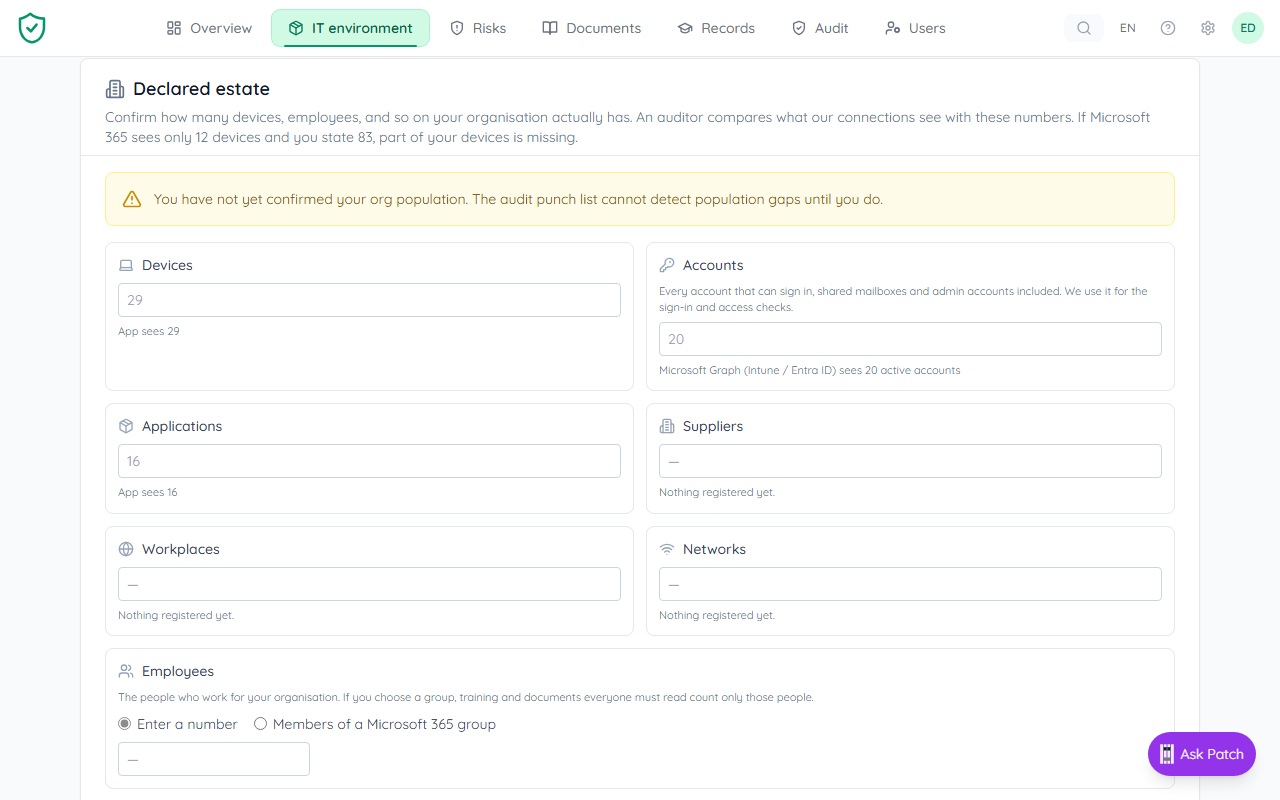
- What counts at all: open IT environment in the menu and pick Size. The Outside NIS2 list holds every exclusion: whole groups, single items and rules, each with its reason. Rules your IT partner applied show there too, marked Via your IT partner, and you can only read them.
- Which groups get their own assessment: open Risks and pick Security groups. The groups you choose are assessed on their own, in order. Every other group stays a candidate and falls under All the rest. See Making groups and The order of work.
- Where a control does not apply to a group: open the control. Under What applies per security group you add a line with a reason and an end date. See Recording an exception.
No buttons? Then you can look but not change. An owner or administrator of your organisation makes the change.
The "Applies to" line on a control
Open a control, for example from Audit. The Applies to line says what the control covers and how much of it is in order. Each part, such as Windows or Mac, gets a label:
- Covered: everything is seen or has evidence.
- Fails: something is missing. One sentence gives the cause and who must act.
- Question: a connection sees something that is not in scope. Decide whether it belongs.
- To confirm: something is new or has not been seen for a while. Confirm it in the register.
- Empty: nothing is in it. Empty is never green. Confirm that this is right, or mark the control as not applicable, with a reason.
- No verdict: not checked completely or recently yet.
- Excepted: an exception takes this part out. It does not count, but it is not in order either.
Below the line is one button with the next step. If your IT partner has to act, the line says so.
Example: Bakkerij De Testoven
De Testoven, a bakery, connects Microsoft 365. All laptops and accounts come into scope that way. The engineers install software themselves, which clashes with part of a control. The owner creates a group "Engineers" and records on that control that it does not apply to them for just that part, with a reason and an end date. Everywhere else, the engineers still count.
More about scope
- From your IT to your risks: the order of work
- What falls under your scope?
- Making groups
- Recording an exception
- Evidence per group, and a control that applies to one group only
- Scope questions on your dashboard
- Audit readiness for one part
- Access per part
- One device seen by several tools
- For IT partners: rules for your clients