Attach evidence
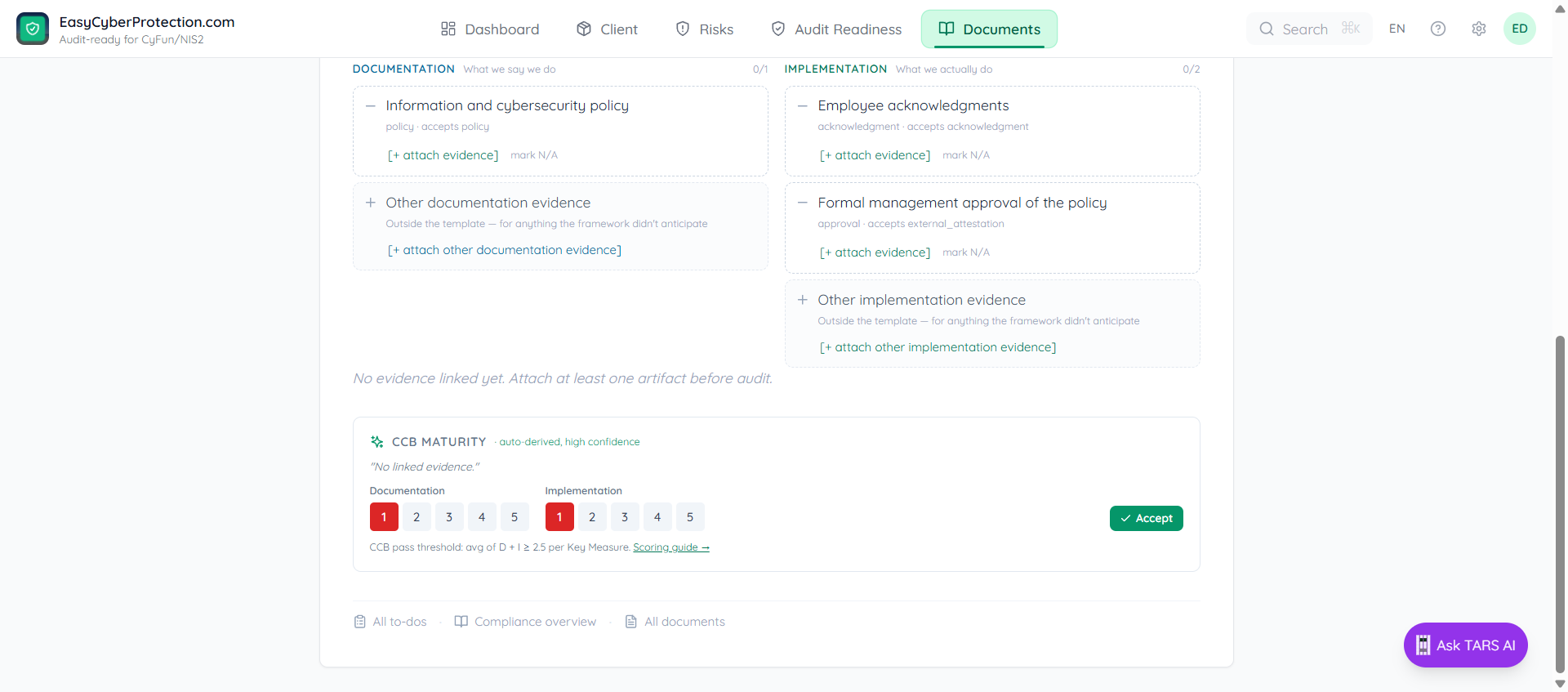
A control is audit-ready when the auditor can see both what you say you do (the documents) and that you really do it (the evidence). The control page shows what is still missing and gives you a button for each gap.
What the control page tells you
- Needs you: what is still open for this control, with a button for each item
- Documents for this measure: the policies that count for this control, each with a Fill in button
- Requirements met: a counter such as 2 of 3 requirements met
- Applies to: the whole organisation, or only some security groups
A policy without proof is a promise. Proof without a policy is an anecdote. A CyFun audit needs both.
Where to start
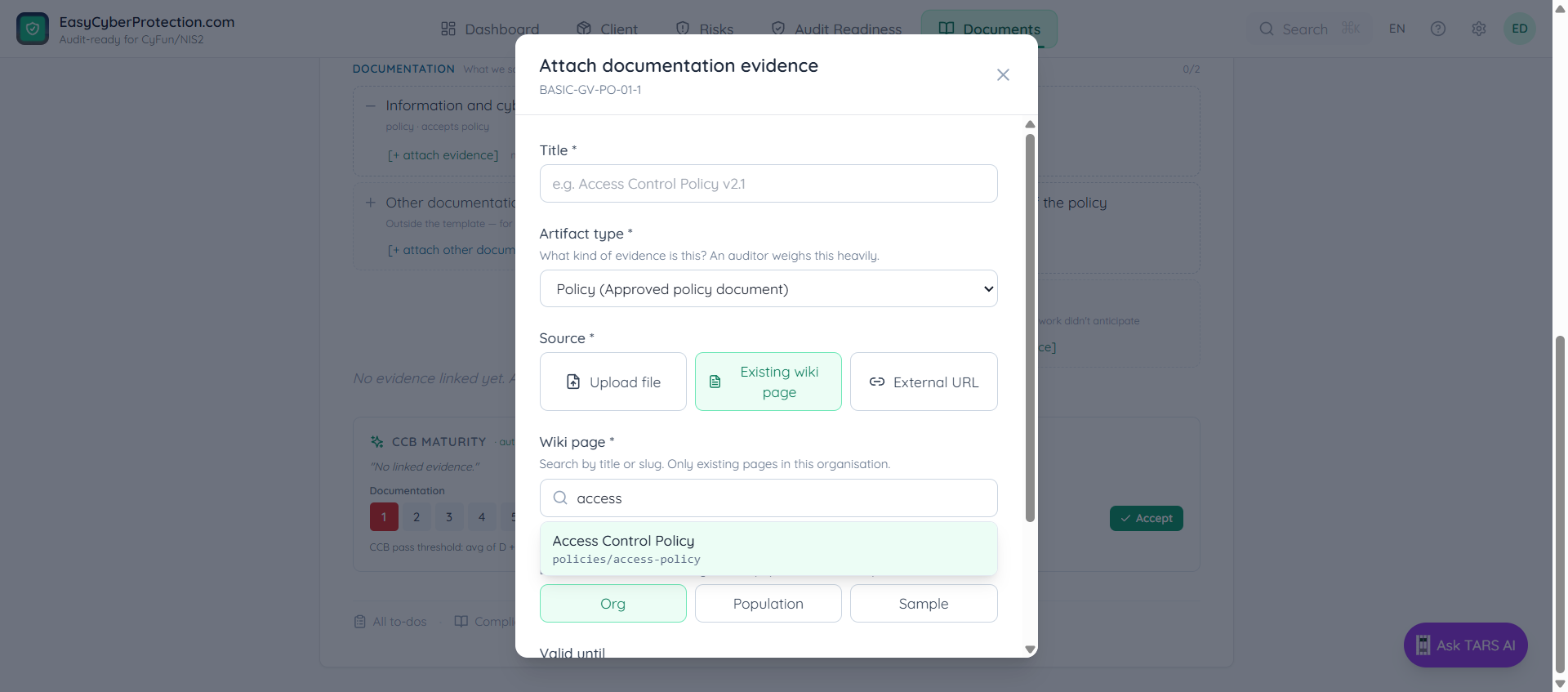
On Audit, click Upload evidence on a card under Quickest wins. Or click a control row and then Open control page.
Link a document you already have
Often the proof already exists in ECP but is not attached to the control. The Needs you list then says so, for example No proof of "information and cybersecurity policy", but Administrator Account Separation Policy v1.0 would do it. Click Link it and the document counts for this control.
Finish a document
A policy with empty fields does not count yet. The Needs you list shows how many fields are still empty and which ones, for example 4 fields still empty: Applicable laws, regulations and obligations · How this policy is communicated to staff · Next review date · Document owner. Click Go to the first empty field to jump into the document.
When a control does not apply
Some controls do not apply to everyone. If the organisation runs no servers on-premise, a physical access log for the server room is moot. Use Mark the whole control not applicable at the bottom of the control page. If the control applies to only part of your organisation, use Limit to a group under Applies to instead.
Do not mark a control not applicable to hide a gap. Auditors routinely challenge lazy justifications.
Evidence expires
An audit-ready control shows how long it stays that way, for example Ready until 24 April 2027. Audit has an Expiring soon status for evidence that is about to run out. Attach a fresh copy before it does.
What happens after you attach
- The requirements counter on the control page goes up, for example from 2 of 3 to 3 of 3
- Audit shows the control's new status and the audit-ready percentage at the top
- The Maturity line on the control page has a change link for the CCB 1 to 5 score