Patch: Your AI Compliance Assistant
Patch is an AI assistant built into the chat system. Named after the robot from Interstellar, Patch is practical, direct, and occasionally witty. It knows your compliance framework, can search your knowledge base, and can propose changes for your approval.
What Patch can do
- Answer questions: compliance status, CyFun framework concepts, control requirements, next steps
- Search your wiki: find policies, procedures, and controls by topic, not just exact title match
- Explain gaps: show which controls have missing evidence and what to do about them
- Propose changes: suggest edits to wiki pages, with approve/reject before anything changes
Getting started
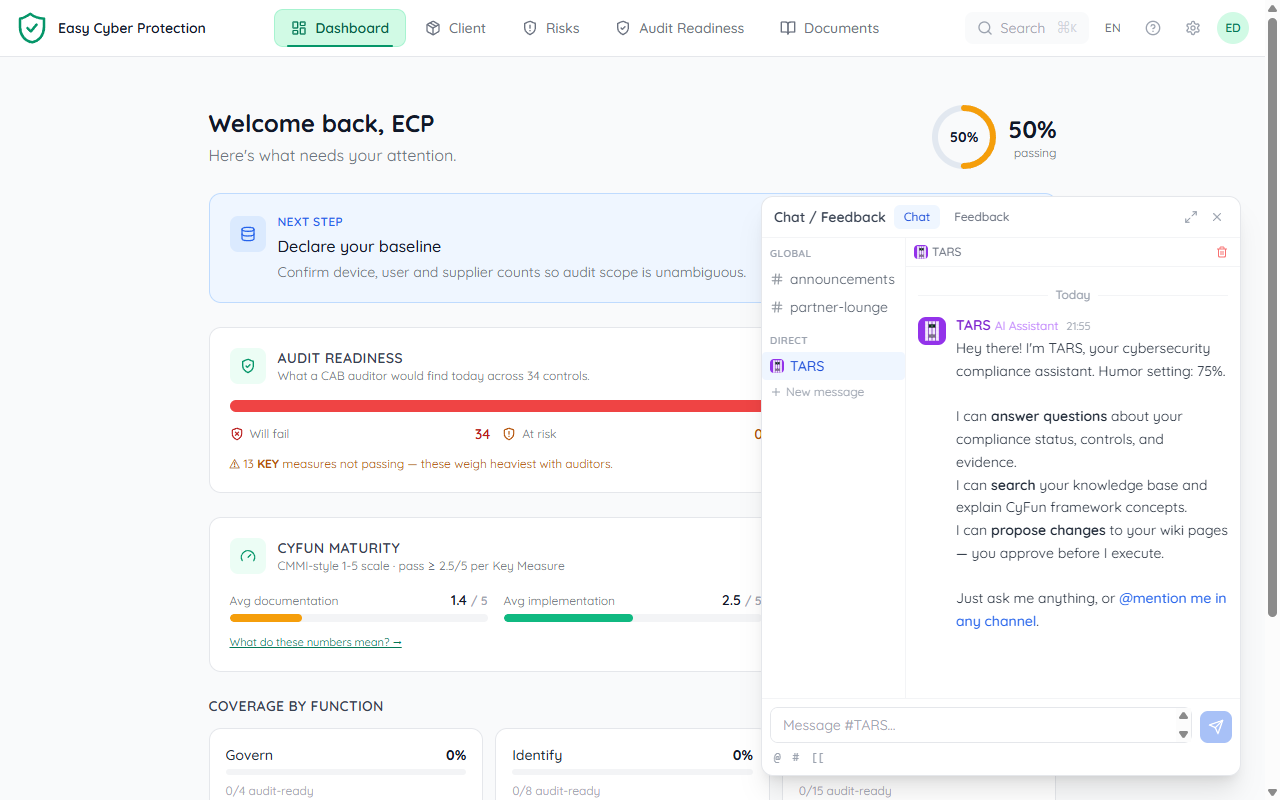
Patch automatically creates a direct message (DM) channel with you when you first open the chat widget. You'll see a welcome message explaining what Patch can do.
Open the chat widget (bottom-right corner of the screen) and look for Patch in your direct messages. Patch has a purple avatar to distinguish it from human team members.
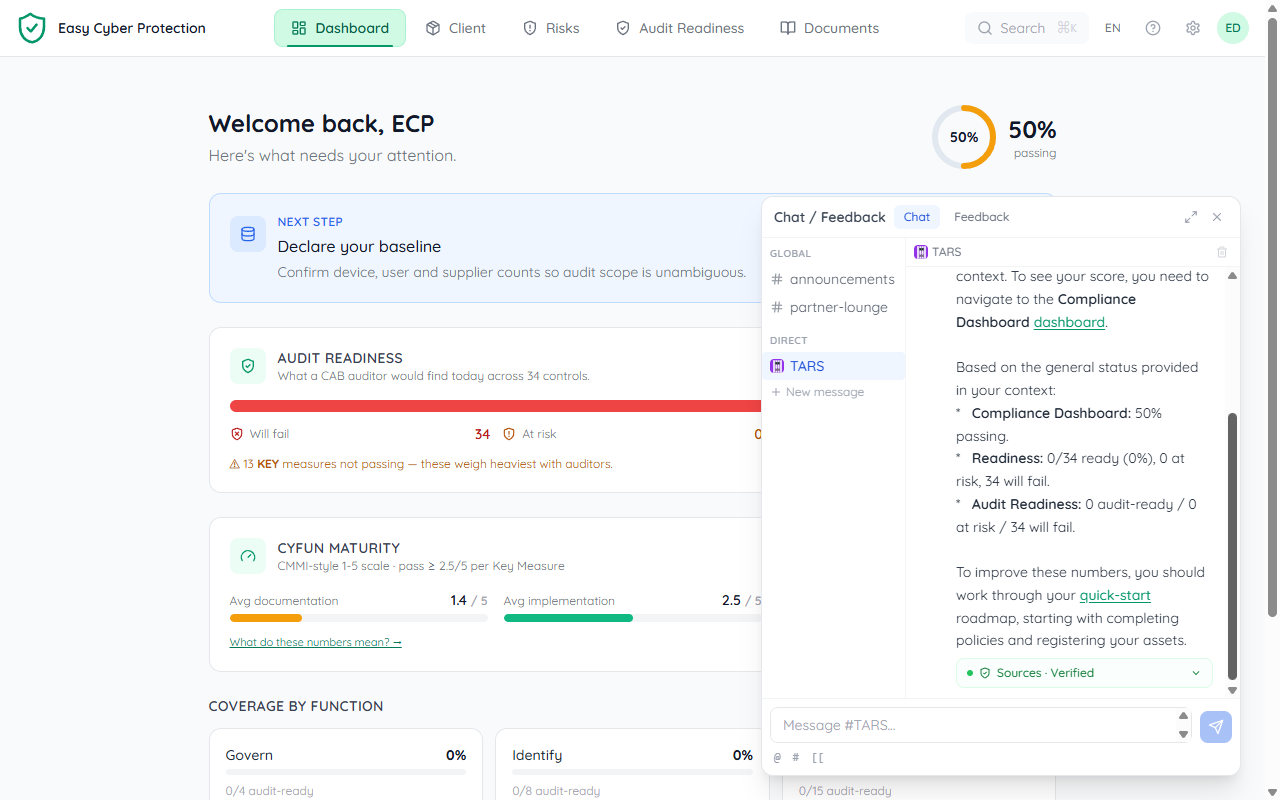
@Patch followed by your question, and Patch will respond right there in the channel: no need to switch to the DM.
Asking questions
Just type naturally. Patch understands questions about your organisation's compliance status, CyFun framework, and the content in your wiki. Some examples:
What's my compliance status?: Patch checks your evidence completion percentage and top gapsWhat does PR-AC-01 require?: Patch looks up the control details and explains what evidence you needDo we have a backup policy?: Patch searches your wiki and returns matching pagesWhat should I work on next?: Patch identifies your biggest gaps and suggests prioritiesExplain NIS2 in simple terms: Patch explains compliance concepts without jargonPatch responds in the same language you write in: Dutch, French, or English.
Wiki page links
When Patch references a wiki page, it uses [[page-slug]] format. These render as clickable links in the chat: click to jump directly to the page in the Documents tab.
Plans: approve before Patch acts
When you ask Patch to change something (update a wiki page, add content), it doesn't act immediately. Instead, Patch creates a plan: a proposal showing exactly what it wants to do.
Plans appear as purple cards in the chat with two buttons:
✓ Approve
Patch executes the plan and posts a confirmation when done.
✕ Reject
Nothing changes. Patch acknowledges and you can refine your request.
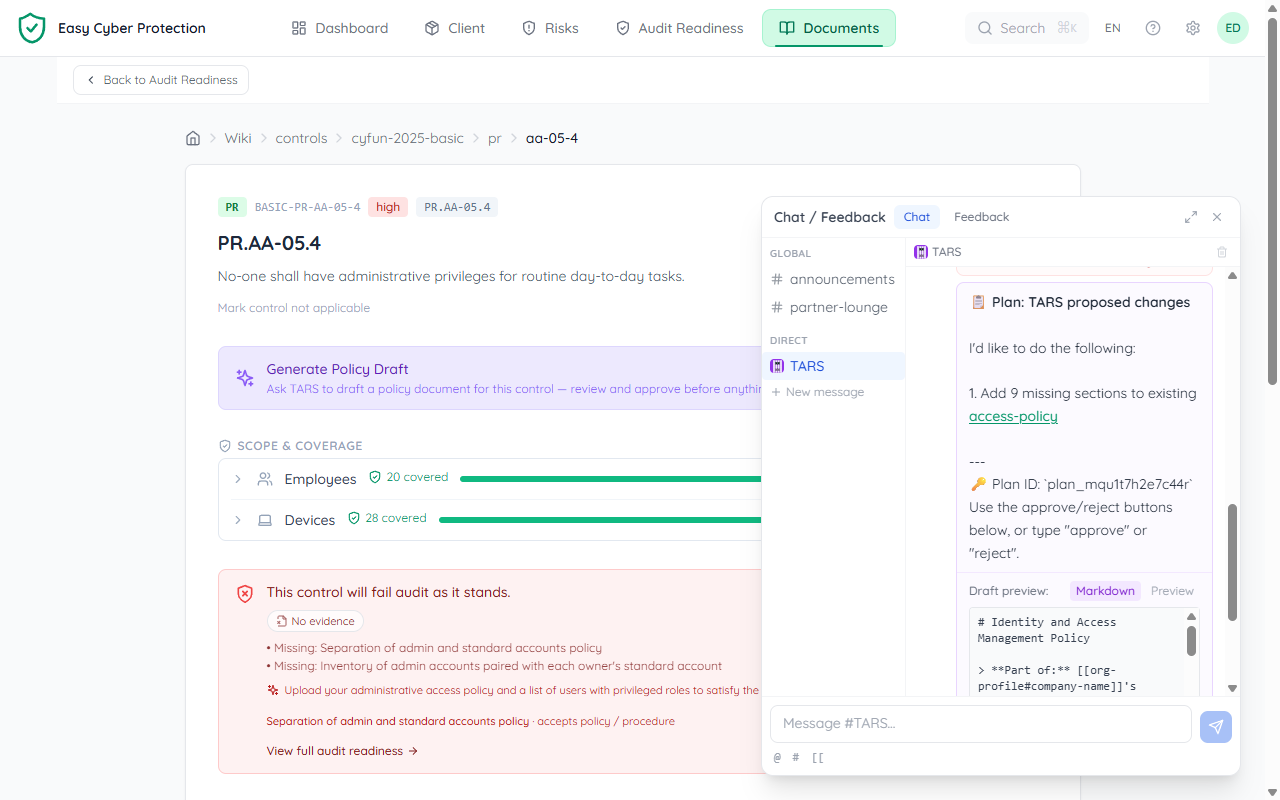
Patch picks the best-fitting existing document for a change: if you already have a policy that covers the topic, it extends that one (adding only the missing sections) instead of creating a near-duplicate. The plan always names the target page so you can see where the change lands.
Improving documents with Patch
On any wiki page, open the ⋯ More options menu (top right) and choose Improve with Patch. Patch loads a pre-built prompt, smart enough to know the page context:
- Policy pages: Patch reviews the document for gaps, weak language, and missing CyFun control links
- Report pages: Patch analyses your compliance score and drafts an executive narrative with improvement priorities
- Control pages: a Generate Policy Draft card drafts the policy that satisfies this control. Patch routes the draft into the best-fitting existing policy (extending it) and shows you the target before saving
The Patch chat opens automatically with the prompt pre-filled: review it and send to start the conversation.
Using @Patch in channels
In any chat channel, type @Patch to get Patch's attention. The mention autocomplete will suggest Patch at the top of the list. Patch responds in the same channel, so your whole team can see the answer.
This is useful for quick questions during team discussions: no need to switch to the DM.
Audit trail
Every action Patch takes is logged. Plans record who approved them, when they were executed, and what changed. This audit trail is part of your compliance record: you can always trace what Patch did and who authorised it.
What Patch knows
Patch has access to:
- Your organisation's CyFun framework (controls, evidence requirements, assessment scores)
- Your wiki pages (policies, procedures, plans: found with hybrid semantic search, so you can describe what you need in your own words instead of guessing the exact title)
- Your compliance status (evidence completion percentage, top gaps)
- CyFun framework knowledge (what each tier means, how controls map to NIS2)
Patch does not have access to other organisations' data. Everything is scoped to your organisation.