CyFun Baseline Scan (nulmeting)
Turn a client's connected sources into a report you can hand them, and a phase-1 proposal you can quote. Two documents, one flow, your branding on both.
Where to find it
Open a client from the Partner Dashboard, then click CyFun Baseline in the client header. You land on the generator page: a Client report card and a Phase-1 proposal editor.
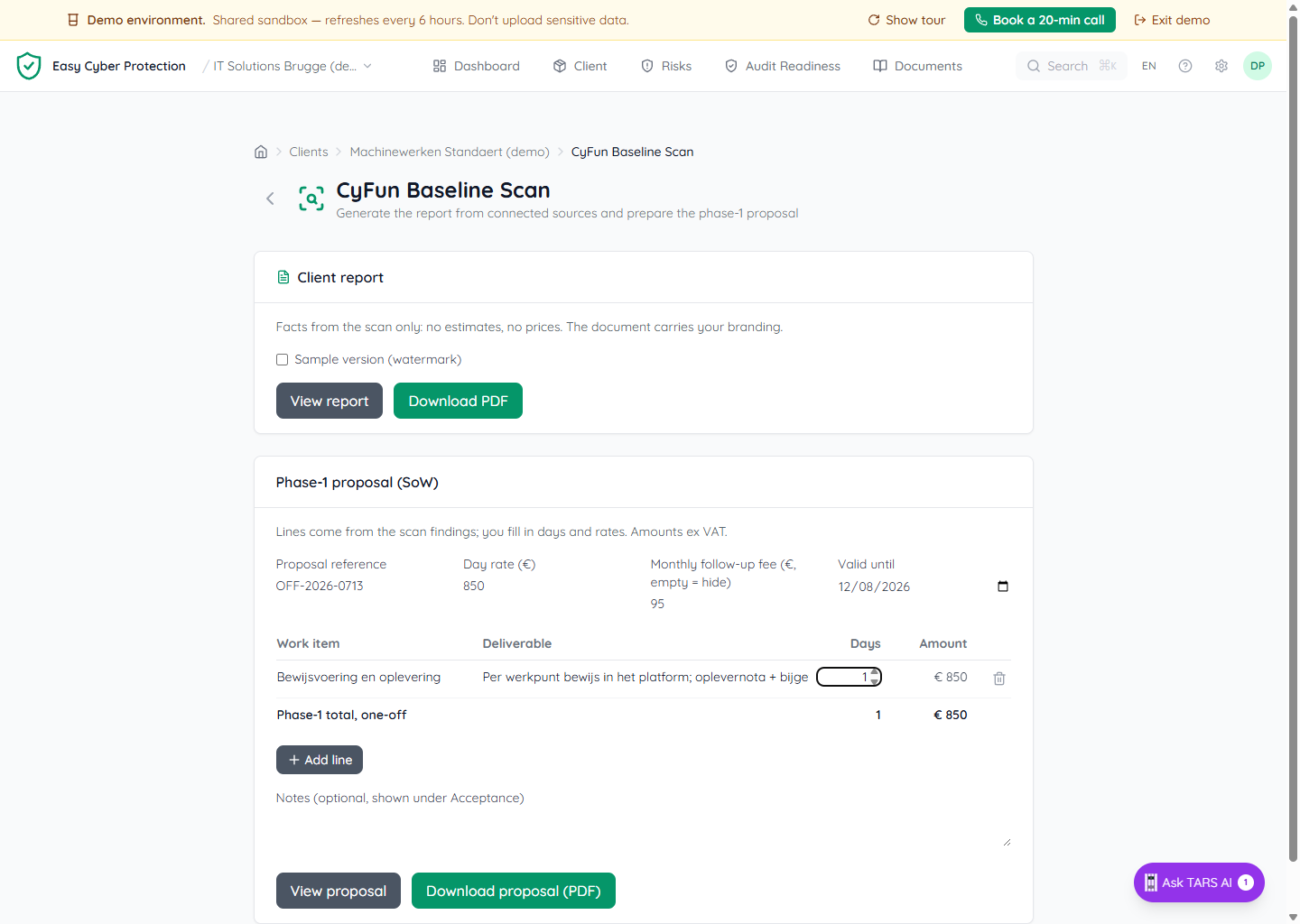
1. The client report: facts only
The report is built from what the client's connected sources actually show: Microsoft 365 (Entra ID, Intune, Defender) plus any connected EDR/RMM. It states scan facts and nothing else: no effort estimates, no prices, and no guesses about work that hasn't been measured. That's deliberate: it's the document the client can forward to their own customer or insurer, so it has to read as a measurement, not a sales pitch. It carries your brand name, logo, and colour, not ECP's.
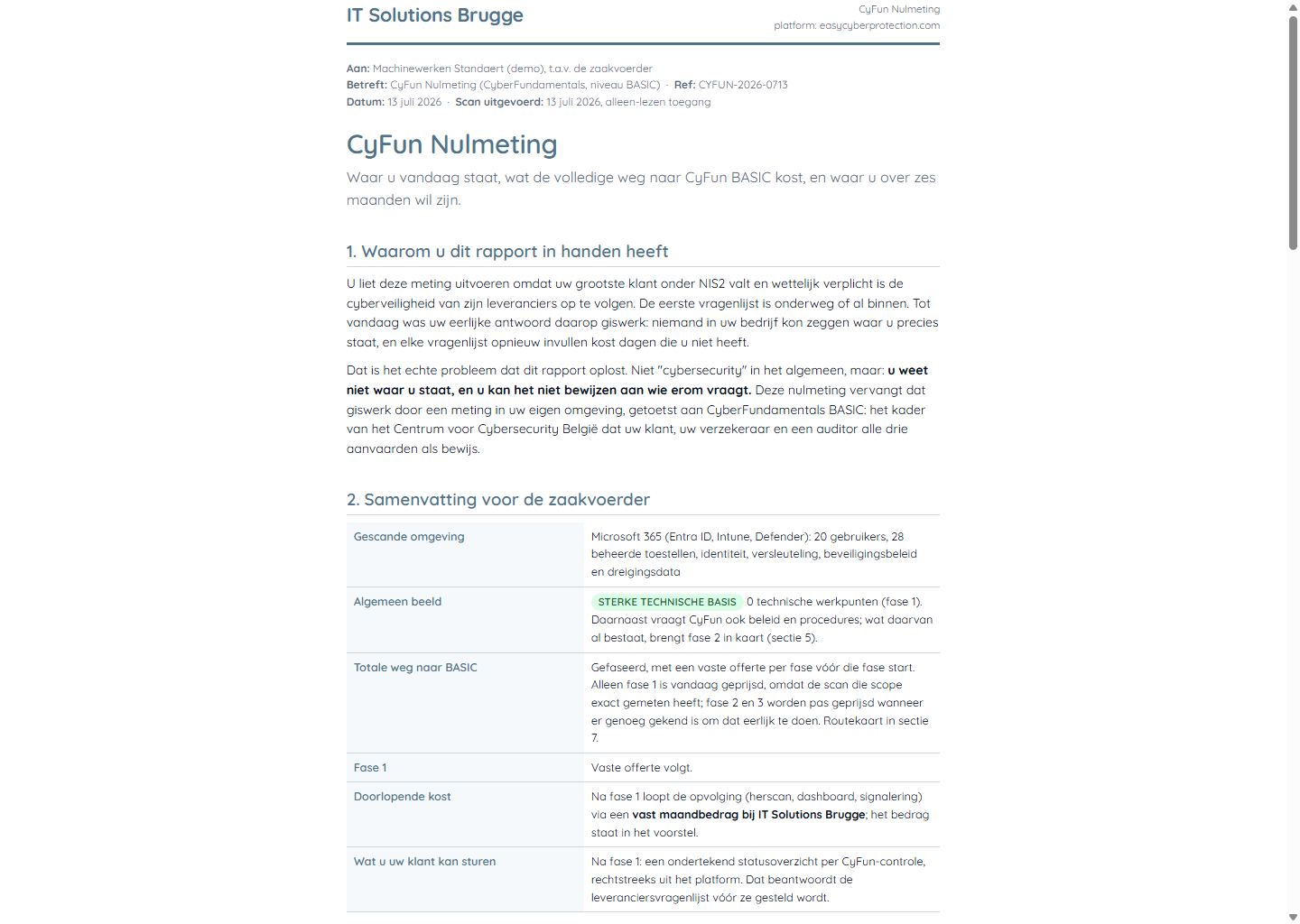
Use View report to open it in a new tab, or Download PDF to save it. The Sample version toggle adds a VOORBEELD watermark, handy when you want to show a prospect the format before running a real scan.
The report names your recurring monthly follow-up fee but never shows what you pay ECP for the platform.
2. The phase-1 proposal: you set the numbers
The proposal lines come pre-filled from the scan findings, but the days and day rate are yours to set: the platform never estimates effort for you. Enter a day rate, adjust the days per line, add or remove lines, set an optional monthly follow-up fee and a validity date. Amounts and the total update live.
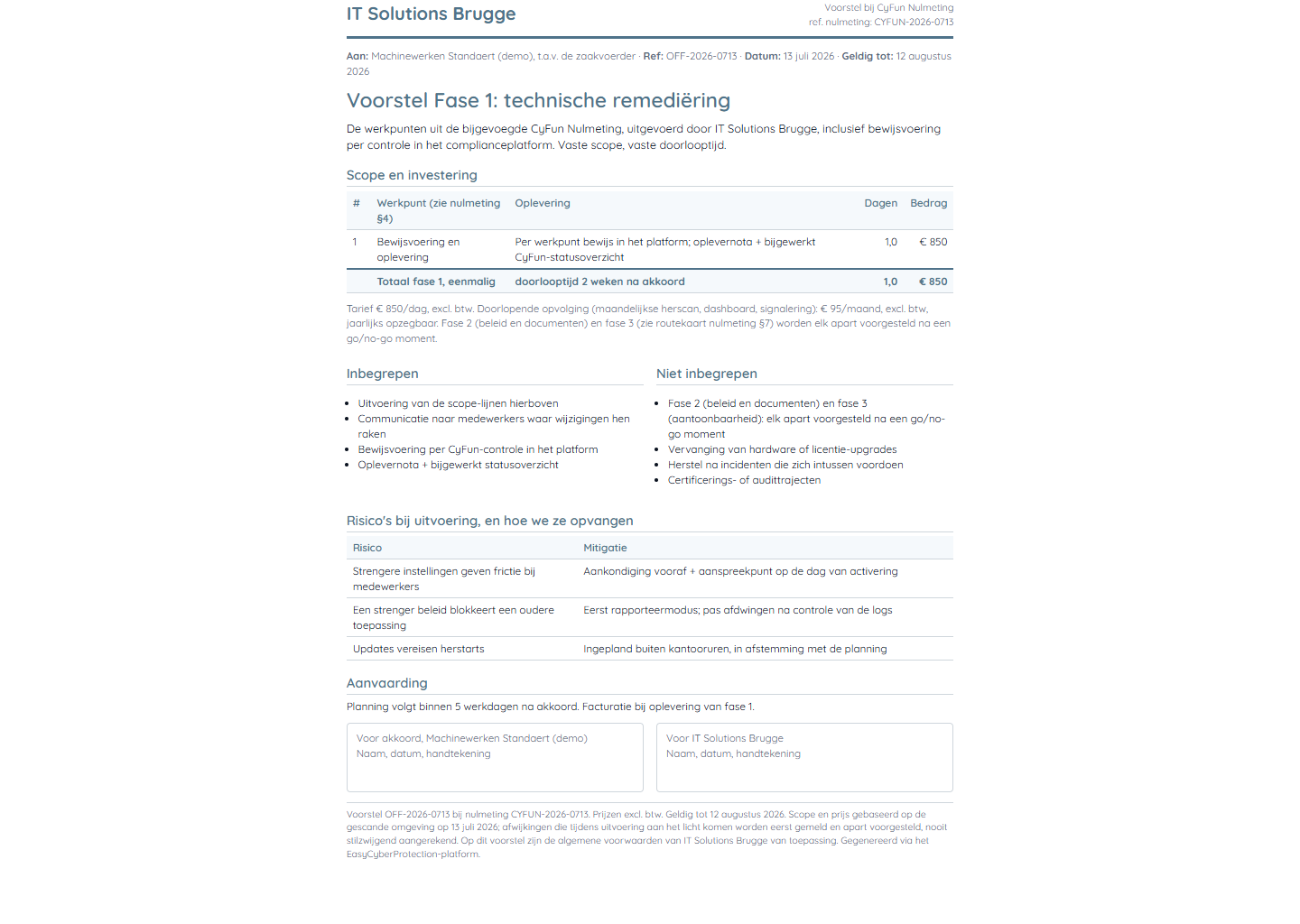
When it looks right, View proposal opens it or Download proposal (PDF) saves it. The proposal is the document you attach to your quote; the report is the one that justifies it.
The scan measures the technical controls. Policy and procedure work (CyFun's organizational controls) can't be scoped from a scan, so the report lists what CyFun additionally requires without pricing it: that's phase 2, quoted after a short inventory.
Good to know
- Documents are generated on demand. Nothing is stored, so re-open the page any time for a fresh copy against the latest scan.
- You can only generate for your own clients; the platform checks the partner-client relationship on every request.
- Both documents render in the client's document language (Dutch, French, or English), set per organization.